Botly v2 is here: better quality suggestions, smarter replies, and a big upgrade overall.
Read what's newBumble Dark Mode: How to Enable It on Web (2026)
Published on March 23, 2025
Read time 2 minutes
By Leo
No, Bumble does not have a built-in dark mode. Neither the iPhone app, the Android app, nor Bumble Web ships a native dark theme. The quickest way to get a dark mode on Bumble Web today is our free Chrome extension, which adds a hand-made dark stylesheet to Bumble in Google Chrome and Microsoft Edge. Here is how to enable it.
How to enable dark mode on Bumble Web
- Open our Chrome extension and add it to your browser (Chrome or Edge).
- Go to bumble.com in the same browser.
- That is it. The dark theme applies automatically, even before you log in.
It works out of the box as soon as you install the extension. There is no setting to toggle and no account required.
Why we built it
We typically enjoy swiping or texting at night, and it can be really eye-straining to open an app that blinds you. So we went the extra mile styling the challenging interface that Bumble provides online, and shipped the dark theme as part of the extension.
Here are a couple of examples of how Bumble Web looks with dark mode enabled.
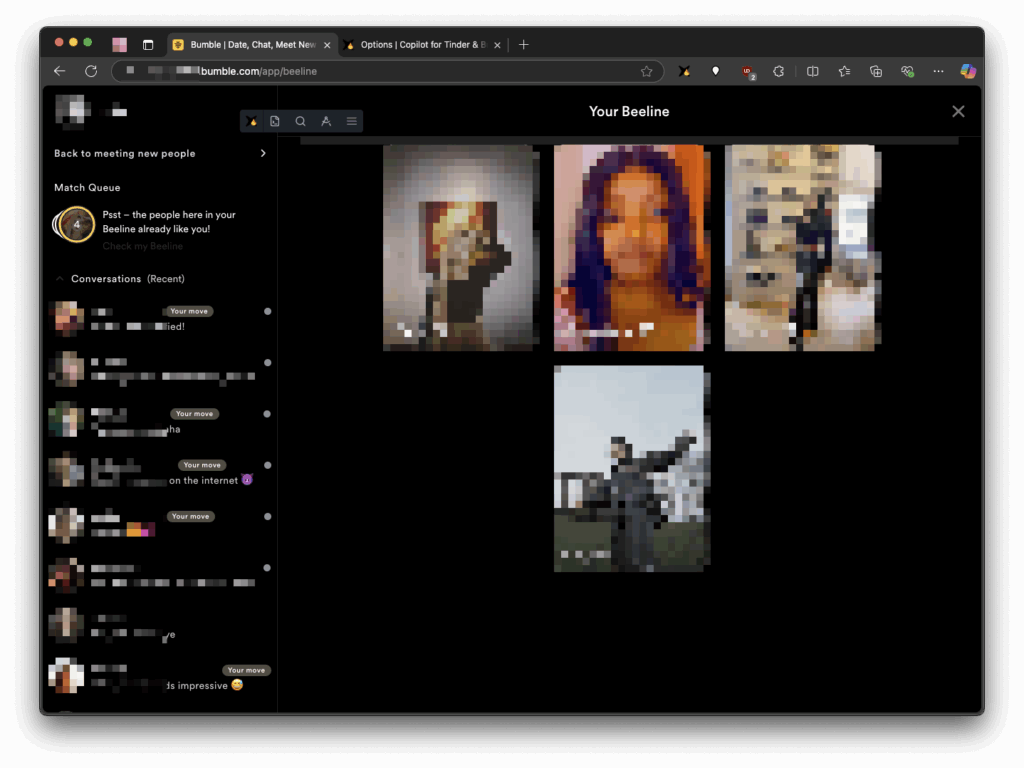
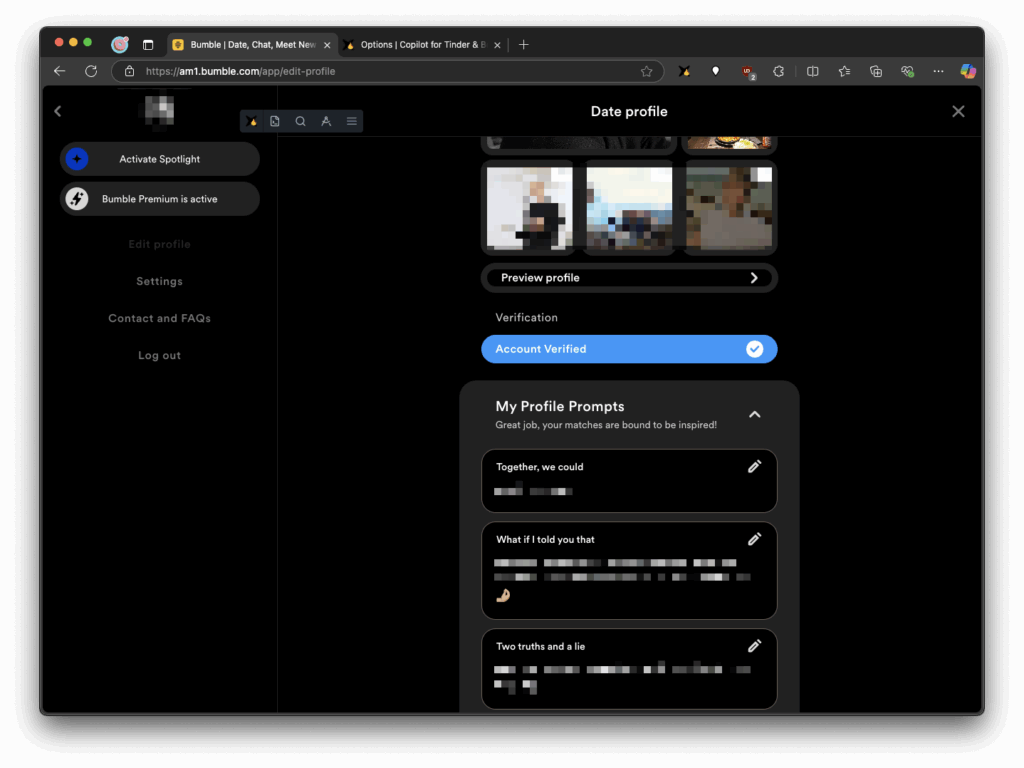
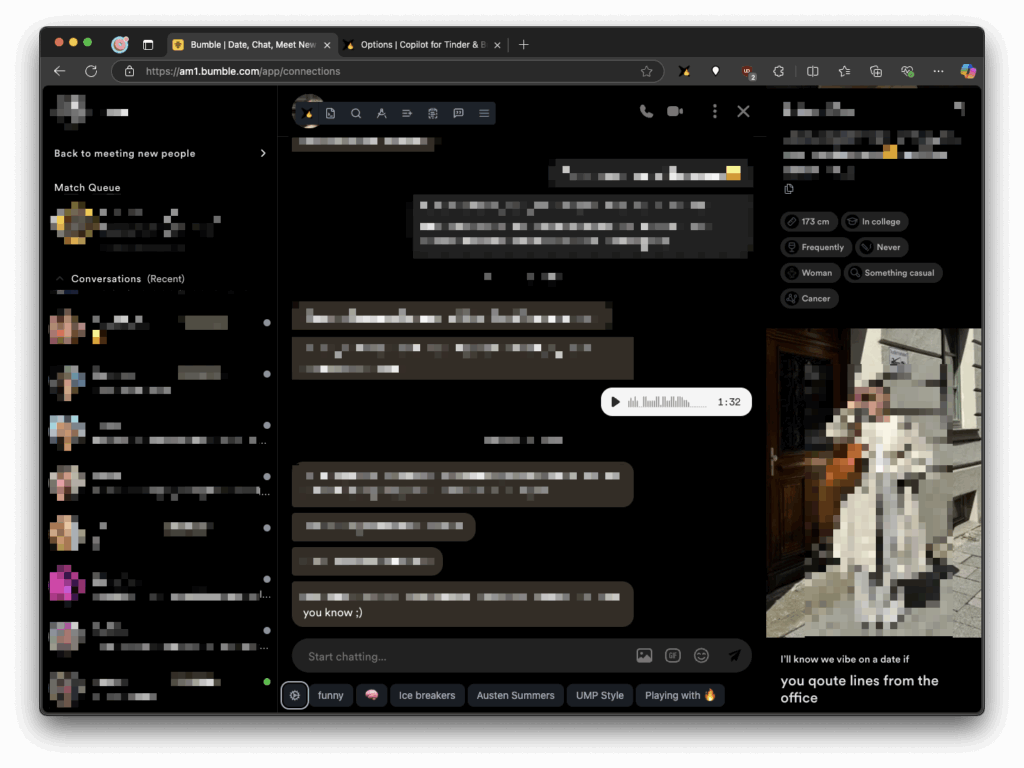
Once the team behind Bumble ships their own dark mode, we will naturally remove this feature. In the meantime, we hope you enjoy it. Please let us know if you find places where the dark mode looks off or makes parts of the site hard to read. Thank you!
Frequently asked questions
Does Bumble have a dark mode?
No. As of 2026 Bumble does not offer a native dark mode on any platform. For Bumble Web you can add one yourself with our free browser extension for Chrome and Edge.
Does the Bumble app have dark mode on iPhone or Android?
No. The native iPhone and Android apps do not have a dark theme, and switching your phone to dark mode does not change them. Our extension is a desktop browser add-on, so it only darkens Bumble Web, not the mobile apps.
Is there a night mode on Bumble?
Night mode and dark mode mean the same thing here, and Bumble has neither built in. The extension gives Bumble Web a dark, night-friendly look automatically.
How do I make Bumble dark mode?
Install our Chrome extension, then open bumble.com in Chrome or Edge. The dark theme is applied for you, with no toggle to flip and no login required.
Does dark mode work in Bumble chat?
Yes. The stylesheet covers the whole Bumble Web interface, including the chat and messages views, so conversations are easy on the eyes at night too.